
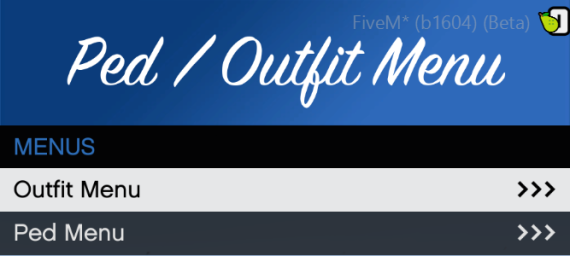
A combined ped and outfit menu. Each menu gets configurable categories which are locked to ace perms, and shows to those with permissions for it. The outfit menu lets you set specific outfits including props in a config file, usually for MP peds, whereas the ped menu lets players easily change their model into different peds, including both default and custom.
Configuration
The script contains 3 different config files - One for the main menu, one for the outfit menu, and one for the ped menu.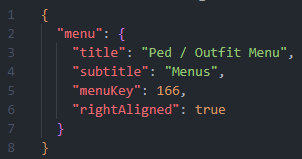 All 3 configs contain title and subtitle options for their respective menus.
`menuKey` defines the control used to open the menu. A list of controls can be found here - keep in mind that the actual key depends on what the player has set for it in their game, the keys shown on the list are only the default bindings. In most cases however, the player will have the default binding.
`rightAligned` determines whether the menu is aligned to the right-side of the screen or not. Set this to false to move the menu to the left.
OutfitMenu.json
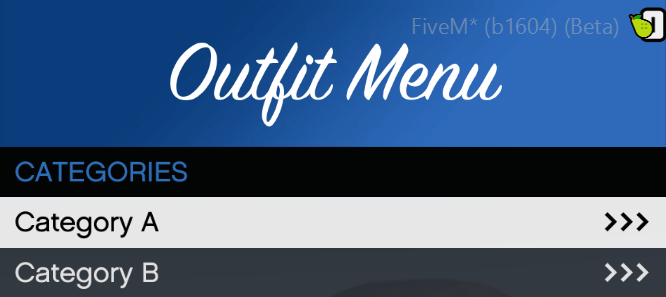
This is the config file for configuring the outfit menu. Under `categories`, you are able to add and remove as many categories as yo uwould like, just by following the format of the previous ones. Each category has basic menu options such as name, menu title, and menu subtitle as well as a field to set the required ace perm to access the category.
`outfits` is an array under each category in which you can add and remove outfits to your liking. Each outfit has a name value as well as two arrays: `components` and `props`. If you do not need one of them, you can leave it blank like this: `"components": []"` or `"props":[]`. Each component or prop has 3 fields: `component`, `drawable` and `texture`. You can add or remove components to each array freely. Values for different components and component textures can be found easily through the use of something such as vMenu.
PedMenu.json
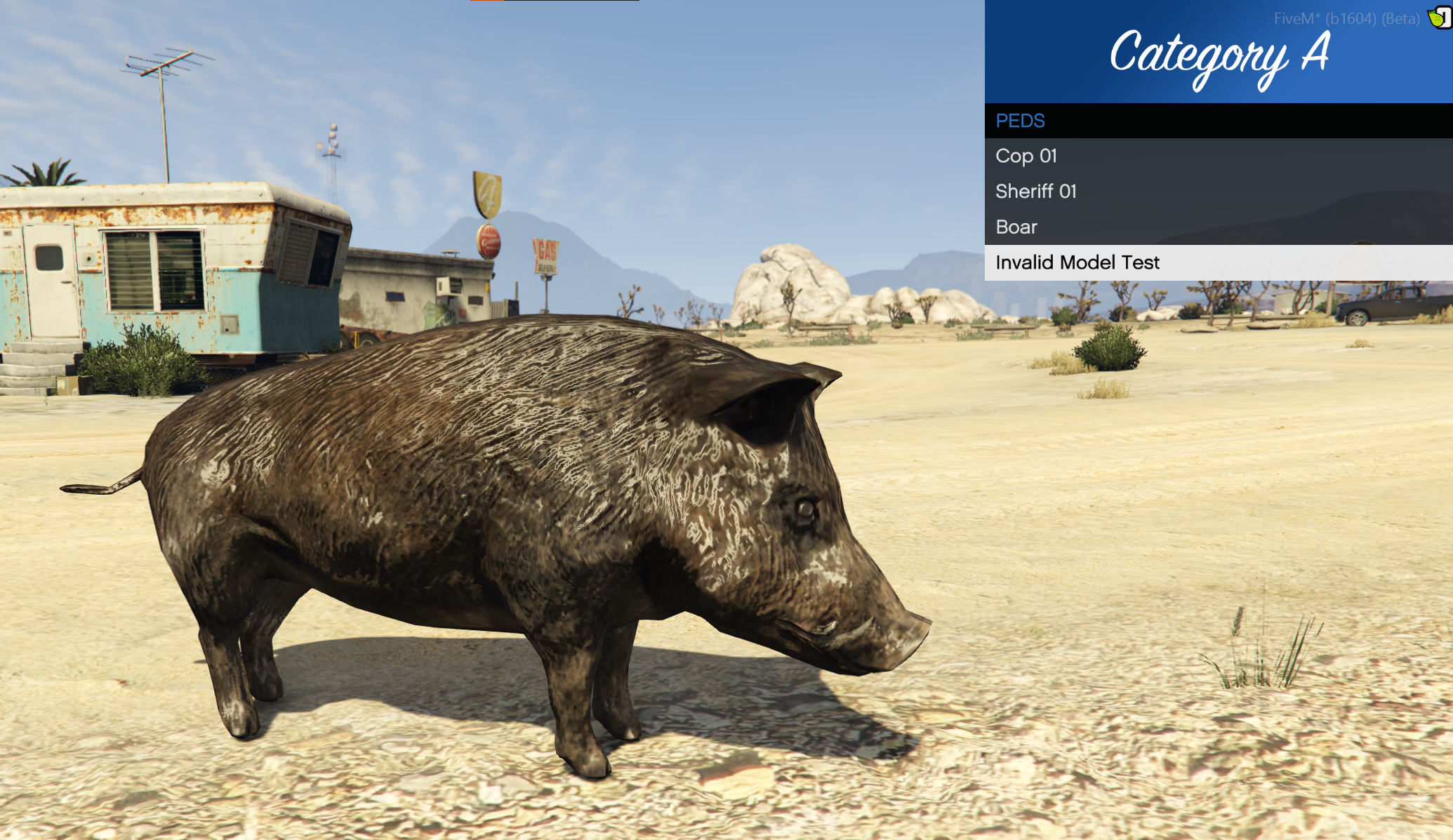
This is similar to the Outfit Menu config, consisting of basic menu options and a `categories` array. Each category has a `peds` array in which you define all the peds. Each ped has 2 fields: `name` and `model`. The name is what will display on the menu, and model is the modelname of the ped you want. This can be any ped including custom ones.
installation / Dependencies
This script relies on MenuAPI, a high-quality library made by Tom Grobble (or "Vespura") used to create Menu resources in FiveM and RedM. For the resource to function properly, a copy of the FiveM release must be downloaded from the above link. The file `MenuAPI.dll` must then be added to the Ped and Outfit Menu resource folder, in the same directory as the other script dll files.
To install the Ped and Outfit menu itself, it is simply drag and drop, but does require configuration. It should be noted that for the ped/out menus to appear, users must have the required ace permission to access at least one of the categories from the menu. If the menu is not appearing, it is likely just due to not having any permissions for a category.